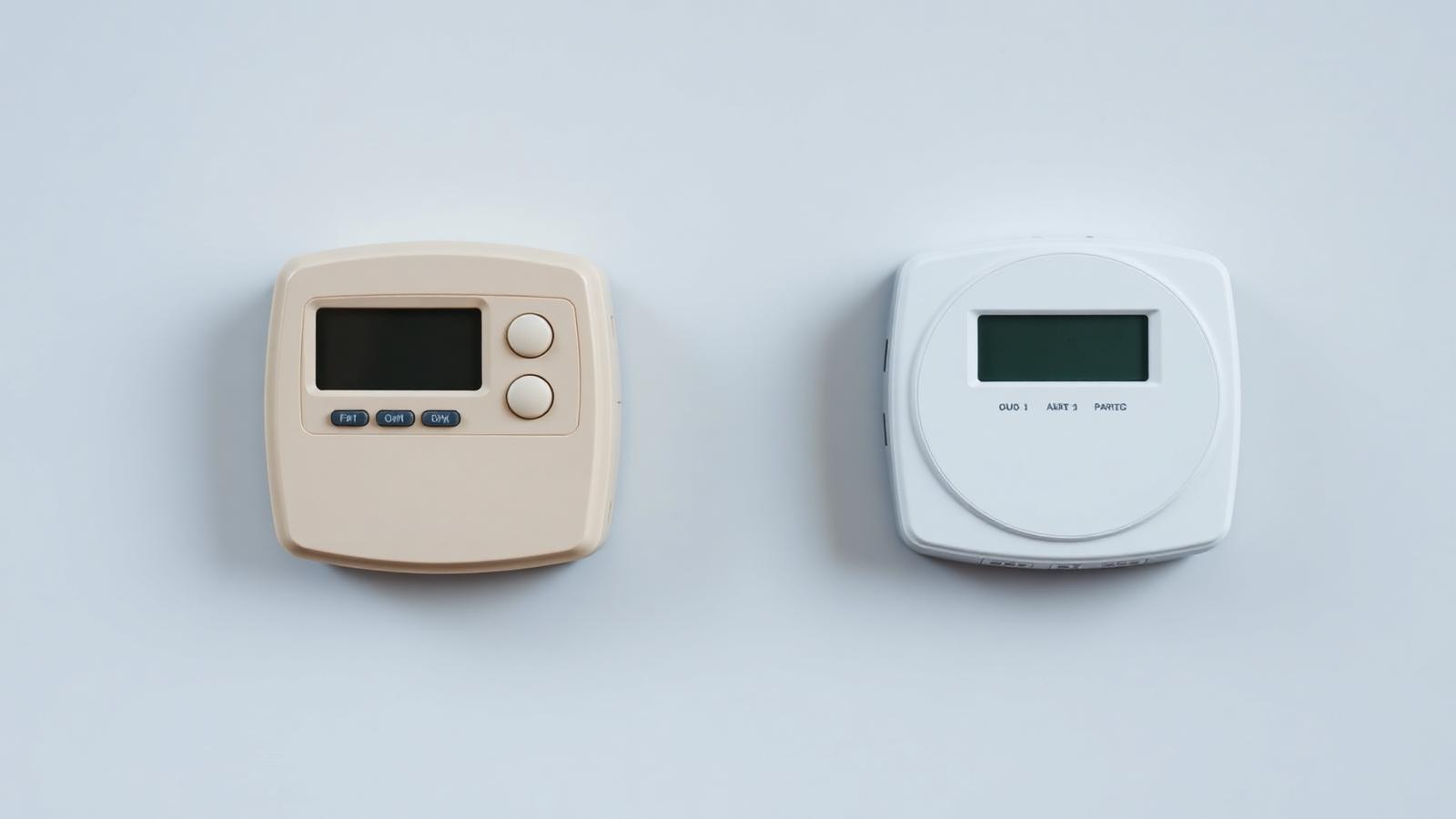
SMETS1 vs SMETS2 Smart Meters
SMETS stands for Smart Metering Equipment Technical Specifications. The UK rolled out smart meters in two generations — first-generation SMETS1, then second-generation SMETS2, which nearly all households now receive. The difference matters most when you switch suppliers, so here's a plain-English comparison.
What is a SMETS1 Smart Meter?
SMETS1 is the first generation of UK smart meter, rolled out from around 2011 to 2018. It was designed to end estimated billing by sending automatic readings to your supplier and showing live usage on an in-home display.
Early SMETS1 meters had teething problems. Because each supplier used its own communications system, many meters historically lost their smart functions after a supplier switch, dropping back to manual readings until they could be reconnected.
To fix this, SMETS1 meters have been enrolled onto the national DCC network (the same secure network SMETS2 meters use). The vast majority are now enrolled, which restores supplier-independent smart functionality without a physical replacement. If your older meter has quietly gone "dumb", our smart meter problems guide explains how to get it working again.
What is a SMETS2 Smart Meter?
SMETS2 is the second-generation smart meter and the UK standard for every new installation. It was built to solve SMETS1's biggest weakness: it works seamlessly across all energy suppliers.
SMETS2 meters connect to the secure national DCC network from day one, so readings keep flowing automatically no matter who supplies your energy. Communications are more reliable, and firmware updates are delivered over the air to keep the meter current.
Crucially, SMETS2 is future-ready infrastructure. It's designed to support smart and time-of-use tariffs, EV charging and solar export tracking — which is why it's the meter to request if you're comparing options on our Supplier Monitor.
SMETS1 vs SMETS2 Comparison
A side-by-side look at how the two smart meter generations compare.
| Feature | SMETS1 | SMETS2 |
|---|---|---|
| Installation period | Roughly 2011–2018 (first generation) | 2018 onwards — now the UK standard (recommended) |
| Communication system | Individual supplier networks (early units used mobile SIMs) | National DCC network (secure, supplier-independent) (recommended) |
| Switching suppliers | Historically lost smart features after switching | Keeps full smart functionality across all suppliers (recommended) |
| Remote meter readings | Only reliable once enrolled onto the DCC network | Automatic readings from day one (recommended) |
| Smart functionality | Can drop to 'dumb' mode in some situations | Consistent smart operation nationwide (recommended) |
| Security | Good, but varied by supplier system | Government-grade, centrally managed encryption (recommended) |
| Firmware updates | Limited or supplier-dependent | Delivered over-the-air via the DCC (recommended) |
| Future support | Maintained via DCC migration, but ageing | Built to support future tariffs and services (recommended) |
| Reliability | Generally reliable once enrolled | More robust connectivity and self-healing network (recommended) |
| Recommended option | Fine to keep if it's enrolled and working | The version to request for any new installation (recommended) |
Bottom line: SMETS2 wins on switching, connectivity and future support, but an enrolled SMETS1 that's working fine is perfectly good to keep.
Which Smart Meter Do I Have?
Not sure which generation is on your wall? Here are five ways to find out.
Installation date
Meters fitted before 2018 are almost always SMETS1. Anything installed from 2019 onwards is very likely SMETS2.
Meter model number
Check the model/serial printed on the meter, then search it or ask your supplier — most models are clearly listed as SMETS1 or SMETS2.
Supplier records
Your energy supplier knows exactly which meter you have. Ask them directly, or check your online account or app.
In-home display
Some in-home displays show whether the meter is connected to the DCC network, a strong sign it's a SMETS2 (or migrated SMETS1) unit.
Meter labels
Look for 'SMETS2' or a DCC logo on a label or sticker on the meter itself, sometimes near the barcode or serial number.
Still stuck? Your supplier can confirm your meter type instantly. Then sanity-check your bill with the Energy Bill Calculator.
Can SMETS1 Still Be Used?
Yes. SMETS1 meters still record your usage accurately and remain perfectly legal. The national DCC migration programme has enrolled the vast majority onto the same network SMETS2 meters use, so they send automatic readings and keep smart features when you switch supplier.
A small number of very old units can't be enrolled and may still drop to manual readings. In those cases — or if the meter is faulty — replacement with a SMETS2 may be appropriate, and your supplier will do this free of charge.
Is It Worth Upgrading?
If your SMETS1 meter is enrolled and sending readings, there's usually no urgent need to upgrade. Suppliers typically offer a SMETS2 replacement when your existing meter is faulty, can't be enrolled, or when you want access to the newest smart tariffs.
The benefits of upgrading include rock-solid connectivity, over-the-air updates and full support for time-of-use, EV and solar tariffs. But remember: a smart meter doesn't lower your unit rate on its own. Real savings come from acting on the data and choosing the right tariff — check whether that's worth it with Should I Switch Supplier?
On consumer rights: smart meters are free, and you can't be forced to have one. You're entitled to ask your supplier which meter you have and whether a replacement is available.
Switching Energy Suppliers
With a SMETS2 meter (or an enrolled SMETS1), switching is seamless. Your readings keep flowing automatically, your new supplier picks up smart data straight away, and no engineer visit is needed.
With an older, un-enrolled SMETS1 meter, switching could temporarily reduce it to manual readings until it's reconnected — but this now affects only a small minority of meters.
A common misconception is that switching "breaks" your smart meter. It doesn't. Before you switch, note your latest readings, confirm your meter type, then compare tariffs with our switching guide and cheapest supplier pages.
Advantages and Disadvantages
The trade-offs at a glance for each generation.
SMETS1
- Ends estimated billing once sending readings
- Widely installed and well understood
- Most units now enrolled onto the DCC network
- No cost or benefit to rushing a replacement if it works
- Historically lost smart features after switching supplier
- Older communications can be less reliable
- Firmware support is more limited
- May not support every future smart tariff
SMETS2
- Works seamlessly across all UK suppliers
- Automatic readings and no re-commissioning when you switch
- Over-the-air firmware updates via the DCC
- Built for future smart and time-of-use tariffs
- Centrally managed, government-grade security
- Still relies on network coverage in your area
- Doesn't lower your unit rate on its own — savings come from acting on the data
- In-home display can occasionally need re-pairing
Related PowerGuardian Tools
Put your smart meter data to work.
Energy Bill Calculator
Turn your usage into an accurate annual cost.
Check my costsShould I Switch Supplier?
See if switching is worth it before you do.
Check nowStanding Charge Calculator
See how daily charges add up across the year.
Open calculatorHome Energy Efficiency Score
Find where your home wastes energy.
Get my scoreRelated Guides
Keep exploring the Smart Meters Hub.
Smart Meter Guide
How smart meters work and whether to get one.
Read guideSmart Meter Problems
Fix common faults: no signal, blank display, estimated bills.
TroubleshootSmart Meter Switching Advice
What happens to your smart meter when you change supplier.
Read guideSmart Meters Hub
Every smart meter guide and tool in one place.
Open hubSwitching Energy Supplier
Switch the smart way, step by step.
Read guideHow to Read Your Energy Bill
Match smart meter data to your bill.
Read guideEnergy Saving Tips
Turn meter data into lower bills.
Read guideExplore the Knowledge Centre
Browse PowerGuardian's guides, calculators, supplier tools and market intelligence, organised into clear topic hubs.
Frequently Asked Questions
Explore this topic
Smart meters and billing problems
This page is part of our UK smart meter and energy billing help centre, which sets out how to evidence, raise and escalate a billing problem.
Related guides
- Challenging an estimated billEvidence, back-billing and escalation.
- Support for vulnerable householdsPriority Services Register and payment help.
Continue Saving Money
Free calculators picked for this topic.
UK Smart Meter Savings
Estimate your potential smart meter savings range from your habits.
Open CalculatorEnergy Bill Calculator
Enter your kWh usage, unit rate and standing charge for daily, monthly and annual totals.
Open CalculatorShould I Switch Energy Supplier?
Is switching worth it right now? A decision framework using the current cap and fixed-deal evidence.
Open CalculatorCompare Energy Suppliers
Independent PowerGuardian scores out of 100 for relevant suppliers, as at 28 September 2026.
Octopus Energy
92/100Octopus continues to lead the UK market on customer service and complaint handling, backed by genuinely competitive smart tariffs and strong financial backing. The clear front-runner on our intelligence dashboard.
Compare SupplierOVO Energy
63/100OVO is a competent mid-tier supplier with good digital tools and competitive fixes, held back by inconsistent customer service and heavy bundle upselling.
Compare SupplierEDF Energy
74/100EDF is a steady, financially robust supplier with mid-table service and fair fixed-tariff renewals. Few surprises in either direction.
Compare SupplierFrequently Asked Questions
Quick answers to the questions people ask most about this topic.
Free PowerGuardian Report
UK Energy Market Report 2026
Our flagship annual analysis of where UK energy prices, suppliers and policy are heading through 2026.
Save This Advice
Create your free personalised dashboard to keep track of useful guides, calculators and savings opportunities.