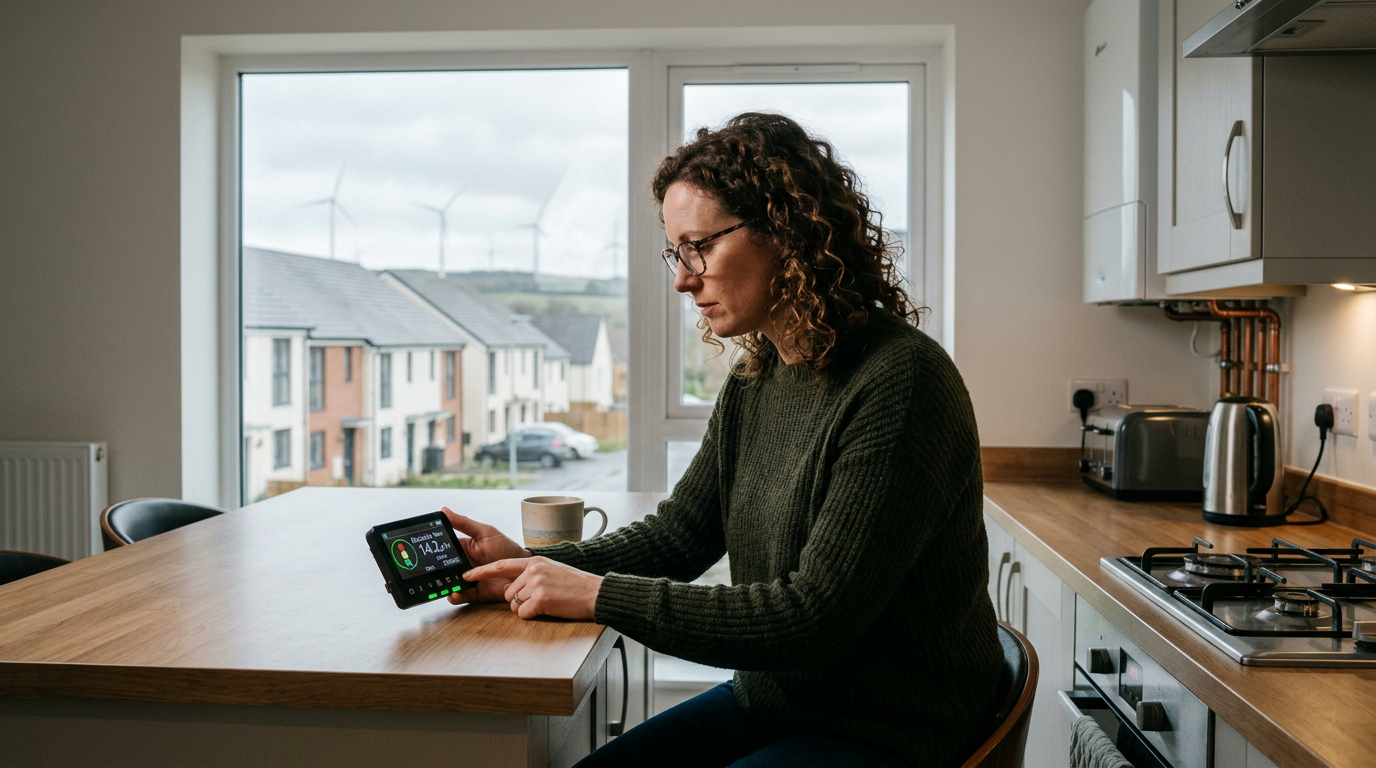
The Smart Meter IHD: From Dormant Gadget to Dynamic Savings Tool
For many households across the United Kingdom, the smart meter In-Home Display (IHD) remains a neglected piece of technology, often relegated to a kitchen drawer or a forgotten corner of the utility room. Yet, in today's volatile energy market, with the average household energy bill still a significant concern despite recent falls in the Ofgem price cap, this seemingly simple device holds the potential to be a powerful ally in the fight against rising costs. At Power Guardian UK, we've long advocated for proactive energy management, and unlocking the IHD's capabilities is a crucial step. Our research suggests that by embracing a consistent, five-step routine, UK households can realistically shave £100-£200 annually off their energy bills, with a conservative estimate of £150 a year by 2026 as energy prices stabilise but remain historically high. This isn't about drastic lifestyle changes; it's about informed decisions rooted in real-time data.
Why Your IHD Matters More Than Ever
Let's put the current energy landscape into perspective. As of Q3 2024, the Ofgem price cap dictates average standing charges and unit rates. While these figures fluctuate, they provide a baseline for understanding your costs. For example, a typical direct debit customer in England, Scotland, and Wales might be paying around 23p per kWh for electricity and 6p per kWh for gas, with daily standing charges of approximately 60p for electricity and 30p for gas. These small numbers quickly add up. Understanding how your consumption translates into these costs, in real-time, is the IHD's super power.
Typical Averages Under Ofgem Price Cap (Q3 2024 Estimates - illustrative, actual rates vary by region and payment method):
| Energy Type | Unit Rate (p/kWh) | Standing Charge (p/day) |
|---|---|---|
| Electricity | 23.5 | 60.0 |
| Gas | 6.0 | 30.0 |
← Swipe to see more →
Note: These are average figures. Regional variations exist (e.g., East Midlands often has slightly higher electricity standing charges than London). Check your latest bill for exact rates.
The 5-Step Routine: Activating Your IHD for Savings
This isn't about staring at your IHD for hours; it's about integrating it into a brief, impactful daily and weekly routine.
1. Set a Daily Budget and Utilise the Warning Function
This is the cornerstone of proactive energy management. If you don't know what you're aiming for, how can you measure success?
Practical Step-by-Step Guidance:
- Determine your monthly energy spend: Look at your last three or six bills to get an average. Let's say your average combined electricity and gas bill is £150 per month.
- Calculate your daily budget: Divide your monthly average by the number of days in the month (e.g., £150 / 30 days = £5.00 per day).
- Factor in standing charges: Remember the 'standing-charge floor' (covered in step 2). Deduct this from your daily budget to understand your consumption budget. For example, if your standing charges total £0.90 per day, your daily consumption budget is £4.10.
- Set the IHD warning: Nearly all IHDs allow you to set an audible or visual alert when you exceed a certain daily spend. Access your IHD's menu (often via a 'Menu' or 'Settings' button), navigate to 'Budget' or 'Alerts,' and input your daily consumption budget (e.g., £4.10, or potentially your total daily budget if you find that simpler to track).
- Monitor and adjust: The goal isn't to never hit the warning, but to understand why you hit it. Was it an unusual day of heavy usage (e.g., baking spree, multiple laundry loads)? Or is your budget too tight? Adjust as needed, but always strive for awareness.
Example scenario: If you consistently hit your £4.10 consumption warning by 4 pm, it tells you that your morning and early afternoon usage is too high, prompting an audit of appliances used during those times.
2. Spot the Standing-Charge Floor
This simple observation provides invaluable clarity on your fixed costs – the baseline expenditure before you've even turned on a light.
Practical Step-by-Step Guidance:
- Establish a routine: Each morning, typically between 5 am and 7 am (before significant household activity begins), glance at your IHD.
- Note the reading: The monetary figure displayed at this time (often in the 'today's spend' or 'daily cost' section) will primarily represent your electricity and gas standing charges for the previous 24 hours, plus any minimal overnight consumption (e.g., fridge, smart device chargers).
- Compare with your bill: Cross-reference this figure with the daily standing charges listed on your energy bill. This helps confirm your understanding and ensures your IHD is accurately reflecting these fixed costs.
Regional Note: Standing charges can vary by region. For instance, customers in the North of Scotland generally face higher electricity standing charges than those in London and the South East, reflecting the higher costs of network maintenance in sparser areas. Knowing your specific regional rate makes this step even more precise.
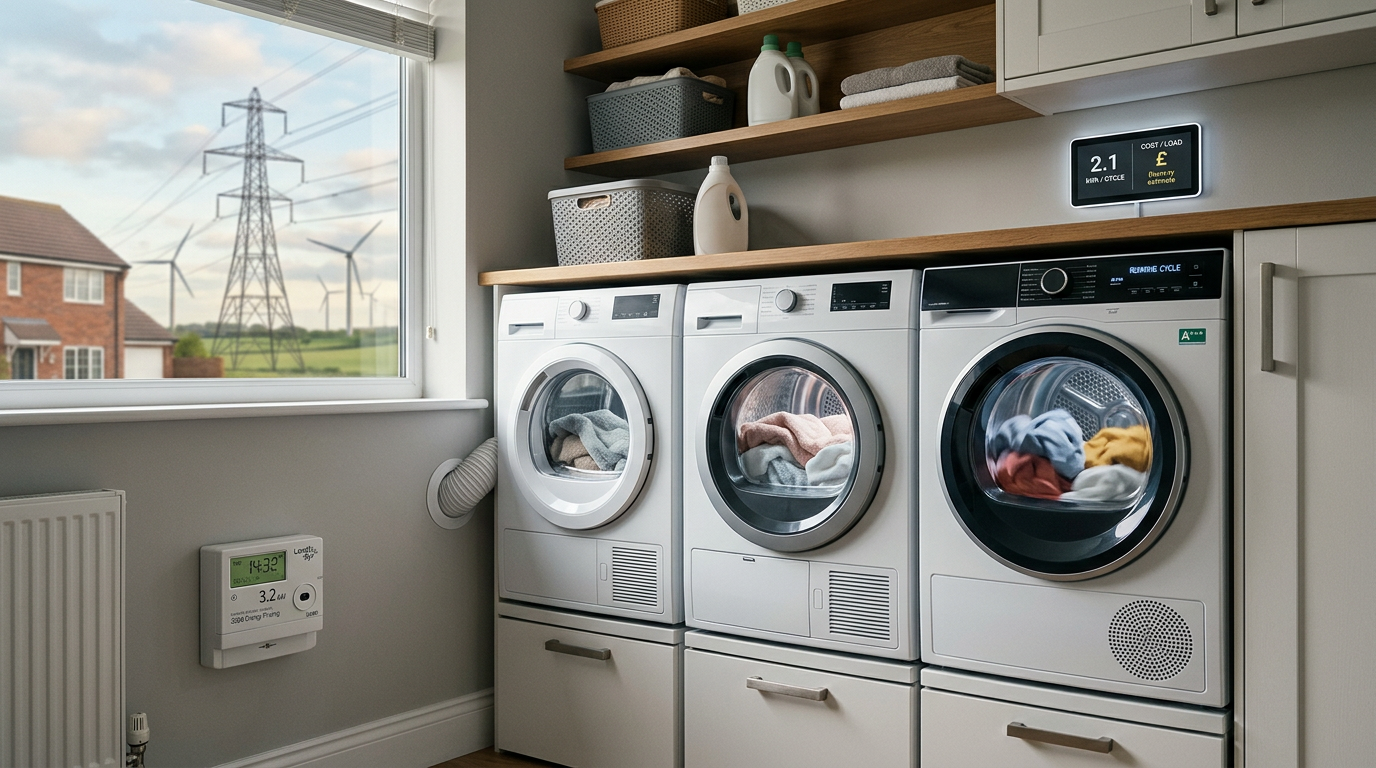
3. Run the Kettle Test (and other appliance tests)
This is where abstract numbers become tangible. Understanding the energy appetite of your most-used appliances empowers you to make informed choices.
Practical Step-by-Step Guidance:
- Isolate the appliance: Ensure no other major appliances are running. Ideally, do this when daily consumption is low (e.g., mid-morning, after step 2).
- Observe baseline: Note your IHD's current instantaneous power usage (often displayed in Watts or kW) and the running cost per hour (if available).
- Activate the appliance:
- Kettle: Boil a standard 1-litre kettle of water. Observe the immediate and dramatic spike in both Watts/kW and the 'today's cost' figure.
- Tumble Dryer: Run a quick cycle.
- Washing Machine: Run a short, hot wash cycle.
- Electric Shower: Briefly turn it on.
- Quantify the impact:
- The IHD will show a significant jump during operation. For a 3kW kettle, you'll see a 3kW spike. Over 3 minutes, this is 0.15kWh (3kW * 0.05 hours). At 23p/kWh, that single boil costs just over 3p. It doesn't seem like much, but multiple boils add up.
- Pay attention to the peak cost display. This visually demonstrates the "power hungry" nature of certain appliances.
- Repeat for other key appliances: Regularly perform this test with your washing machine, tumble dryer, electric oven, electric shower, and even your hairdryer. This builds a mental library of what "high" consumption looks like.
Example Insight: You might discover that your electric shower, used for 10 minutes, costs significantly more than boiling the kettle multiple times, making shorter showers a more impactful saving strategy.
4. Audit at 11 pm: Unmasking the "Vampire Drain" (Standby Loads)
The silent killer of energy bills, standby power consumption, often goes unnoticed. Your IHD makes it glaringly obvious.
Practical Step-by-Step Guidance:
- Set a reminder: Every few days, or weekly, make an effort to conduct this audit.
- Observe late-night usage: Around 11 pm or just before bed, when most lights are off and major appliances (TV, computer) are powered down, check your IHD's real-time electricity usage.
- Systematic power-off:
- Go through your home, room by room.
- Unplug or switch off at the wall socket any appliance that is currently in standby mode (e.g., TVs, gaming consoles, set-top boxes, phone chargers not in use, microwaves with digital clocks, smart speakers).
- After each room or a few appliances, check your IHD. You should see the instantaneous power usage (Watts/kW) gradually drop.
- Identify the culprits: The appliances that cause the biggest drop when unplugged are your primary "vampire drainers."
- Implement solutions: Prioritise switching these off at the wall when not in use. Smart plugs offer a convenient solution for hard-to-reach sockets.
UK Data: Research from Power Guardian UK and various energy trusts indicates that standby power can cost UK households upwards of £70-£100 per year, equating to hundreds of millions nationally. This £70 figure, while perhaps seemingly small daily, adds up to a substantial sum over a year, equivalent to several weeks of grocery shopping for many.
5. Compare Week-on-Week: Track Progress and Reward Yourself
Sustained change requires tracking and positive reinforcement. Your IHD simplifies both.
Practical Step-by-Step Guidance:
- Utilise IHD history: Most IHDs will have a 'history,' 'daily,' or 'weekly' view that shows your energy consumption over the last 7 days, often with a daily average.
- Regular check-in: Every Sunday evening or Monday morning, before a new billing week begins, compare your current week's total or average daily spend to the previous one.
- Analyse trends:
- Falling costs: If your weekly average is lower, congratulations! Did you make a conscious effort to adopt new habits? What worked best? Reinforce those behaviours.
- Rising costs: If it's higher, don't despair. Consider why. Was the weather colder, leading to more heating? Did you have visitors? Did you overlook any 'vampire' devices? Use this as an opportunity to identify areas for improvement.
- Set achievable goals: Aim for a 5-10% weekly reduction initially. Once achieved, you can push for more.
- Reward mechanisms: Positive reinforcement is crucial. If you've saved £5 this week, put that money aside in a "energy savings pot" and use it for a treat at the end of the month or quarter. This tangible reward connects your efforts directly to personal benefit.
Key Insight: In the UK, weekly energy consumption patterns are often influenced by the weekend. Family time, cooking large meals, and increased entertainment can lead to higher weekend usage compared to weekdays. Your IHD will highlight these typical fluctuations, allowing you to discern normal patterns from unusual spikes.
Common Misreads and Advanced Tips
- Red doesn't mean expensive. It means above your set budget. This distinction is vital for maintaining motivation. If you set a tight budget, it will go red frequently, which simply indicates you're exceeding your target, not necessarily that you're being wasteful outright. Adjust your budget or habits accordingly.
- Gas updates lag electricity by ~30 mins. This is completely normal and due to the different communication mechanisms for gas Smart Meters (which often communicate via the electricity meter, then to the IHD). Don't panic if your gas usage appears static for periods.
- Consider time-of-use tariffs: If you have an electricity tariff that charges different rates at different times of the day (e.g., Economy 7, or newer smart tariffs like Octopus Go/Flux), your IHD might not perfectly display the monetary cost in real-time, as it typically uses a single average rate. However, it will still accurately show your instant power usage (kW) and total kWh consumed, allowing you to estimate costs based on your specific tariff periods. This is an advanced step, but invaluable for those on dynamic tariffs.
- IHD placement: Keep your IHD in a prominent, easily visible location – kitchen, living room, where you'll see it regularly without it being an eyesore. Out of sight, out of mind applies here.
- Battery Power: If your IHD runs on batteries, ensure they are fresh for continuous monitoring. If it's mains powered, ensure it's plugged in.
FAQs
Q1: My IHD isn't showing any gas data. What's wrong? A1: Gas meters communicate directly with your electricity smart meter, which then sends data to your IHD. There can be several reasons for a lack of gas data: the gas meter's battery might be low (they're entirely self-powered and typically last 10-15 years), the communication between the gas and electricity meter might be interrupted, or the IHD itself might have a fault. First, try restarting your IHD (usually by holding the power button or unplugging for a minute). If the issue persists, contact your energy supplier.
Q2: My IHD shows a really high daily cost, even when I think I've used hardly anything. Why? A2: This is often due to the standing charge, which is a fixed daily fee your supplier charges regardless of how much energy you use. For electricity, this can be around 60p/day, and for gas, around 30p/day. Combined, this is 90p before you've turned anything on! Your IHD typically includes this in your daily cost. Review Step 2 to understand your "standing-charge floor." Also, double-check any 'vampire' standby loads (Step 4).
Q3: Can I connect my IHD to my phone or an app? A3: Most standard IHDs provided by energy suppliers do not directly connect to smartphone apps or Wi-Fi. They are designed to be standalone devices. However, many energy suppliers offer their own smartphone apps that can pull your smart meter data (sometimes with a 24-hour delay) and display it in a similar format. Check your energy supplier's website or app store for details.
Q4: Is the IHD always accurate? I've heard smart meters can be unreliable. A4: Generally, your IHD is very accurate. It receives data directly from your smart meter. While there were initial teething problems with some first-generation (SMETS1) smart meters, the vast majority of meters installed now (SMETS2) are highly reliable. Any discrepancies are usually minor. If you suspect a major inaccuracy, compare your IHD's readings with your energy bill. If there's a significant difference, contact your supplier to investigate a potential meter fault.
Q5: My IHD screen is blank or frozen. How do I fix it? A5: First, ensure it's properly plugged in if it's mains powered, or check/replace the batteries if it's battery-operated. Often, a simple restart can resolve minor glitches. Look for a small reset button or hold down the power button until it reboots. If the problem continues, it may indicate a fault with the IHD unit, and you should contact your energy supplier for a replacement.
Recommended energy saving products
Independently chosen kit that helps UK households cut energy use.
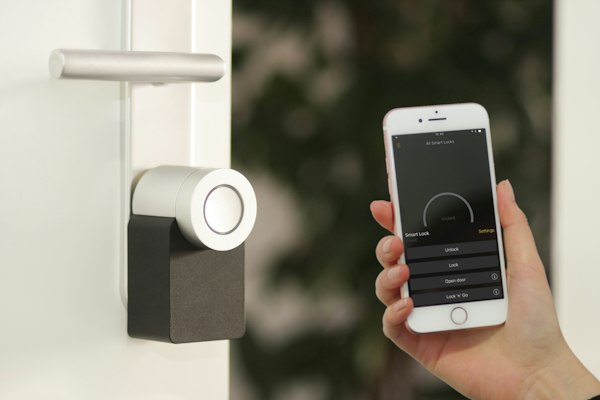
Tapo P110 Smart Plug (Energy Monitoring)
See exactly which appliances are quietly inflating your bill — track real-time watts, kWh and runtime from your phone.
- Real-time energy monitoring
- Cuts standby/vampire power
- Schedule appliances off-peak
Estimated benefit: ~£40/yr standby savings
Shop on AmazonAd – affiliate link. PowerGuardian may earn a commission from Amazon or another approved affiliate partner at no extra cost to you.
Home Energy Monitor (Whole-House)
Track your whole-home electricity use live and find where the kWh are going before the bill lands.
- Whole-house live usage
- Spot expensive habits fast
- App history & alerts
Estimated benefit: Awareness cuts ~5-10% use
Shop on AmazonAd – affiliate link. PowerGuardian may earn a commission from Amazon or another approved affiliate partner at no extra cost to you.
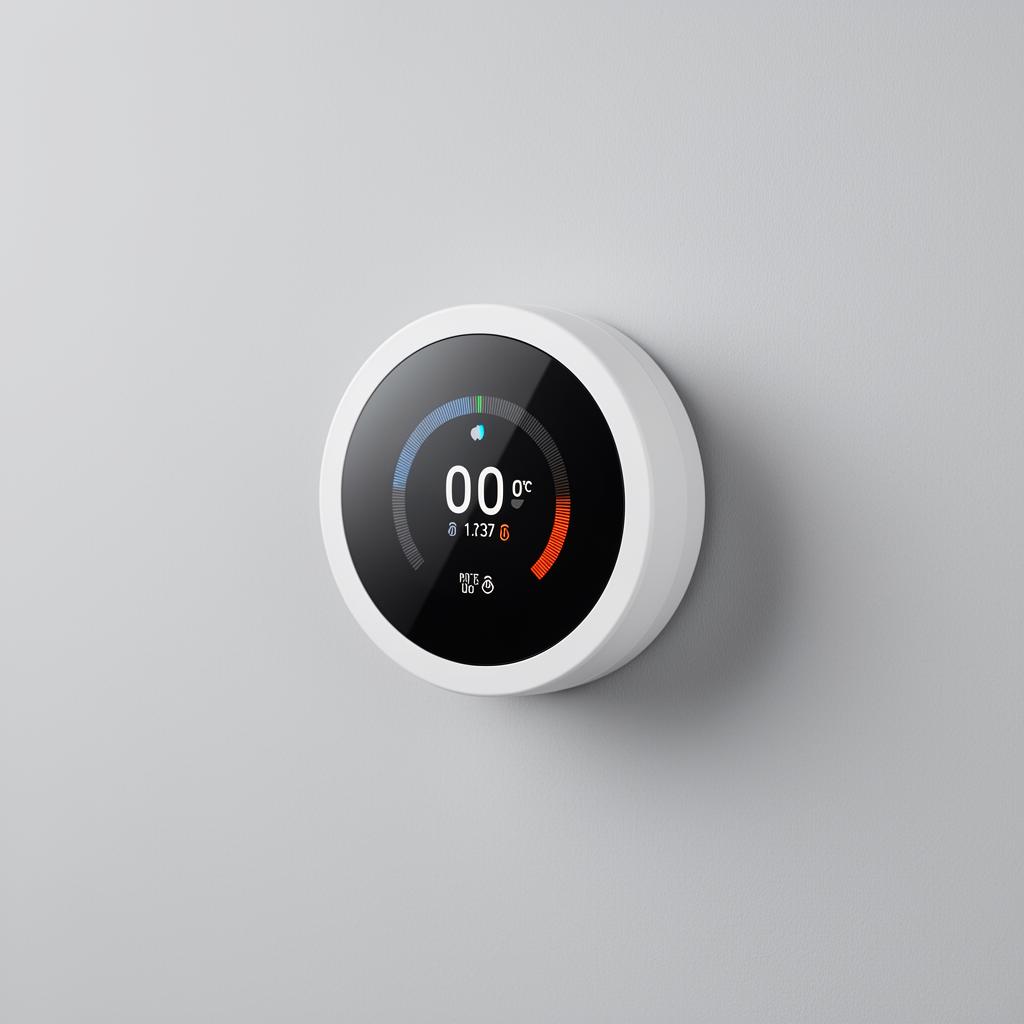
tado Smart Thermostat Starter Kit
Schedule, zone and remote-control your heating — independently shown to cut heating bills meaningfully.
- Heat only when needed
- Geofencing & schedules
- Room-by-room control
Estimated benefit: Up to ~£140/yr
Shop on AmazonAd – affiliate link. PowerGuardian may earn a commission from Amazon or another approved affiliate partner at no extra cost to you.
Affiliate links — we may earn a small commission at no extra cost to you. This keeps PowerGuardian free and independent.
Conclusion: Empowering Your Energy Future
The smart meter IHD is more than a novelty; it's a powerful and accessible tool for navigating the complexities of modern energy consumption. By embracing this five-step routine – setting budgets, understanding fixed costs, auditing appliances, tackling standby loads, and tracking progress – you transform a passive display into an active participant in your household budget. In an era where energy costs remain a critical concern for UK families, neglecting your IHD is akin to driving with a blindfold on. Power Guardian UK urges you to dust off that device, integrate it into your daily life, and reclaim control over your energy spend. The £150 a year savings isn't just an aspiration; it's a highly achievable reality for countless households across the nation, fostering not only financial prudence but also a deeper, more sustainable awareness of our collective energy footprint. Let your IHD be your guide to a smarter, more cost-effective home.
Can my IHD really save me £150 a year?
Yes, Power Guardian UK's research suggests a consistent 5-step routine can realistically shave £100-£200 annually off bills, with £150 being a conservative estimate by 2026. This is achieved through informed decisions based on real-time data, not drastic lifestyle changes.
Are the Ofgem price cap rates mentioned accurate for my bill?
The article provides estimated typical average rates (e.g., 23.5p/kWh electricity, 6.0p/kWh gas) for Q3 2024, but actual rates vary. It's crucial to check your latest energy bill for the exact unit rates and standing charges applicable to your region and payment method.
How do I set a daily energy budget on my IHD?
First, calculate your average daily spend from past bills, then factor in your standing charges to determine your consumption budget. Access your IHD's menu (often 'Budget' or 'Alerts') and input this daily figure to set an audible or visual alert.
What is the "standing-charge floor" and why is it important?
The standing-charge floor is the baseline cost on your IHD each morning, primarily representing your fixed daily electricity and gas standing charges. Observing this daily helps you understand your fixed costs before any energy consumption, providing clarity on your bill.
How do I use my IHD to check how much specific appliances cost to run?
To test an appliance like a kettle or washing machine, ensure no other major appliances are running, then note your IHD's instantaneous power usage. Turn on the appliance and observe the immediate spike in Watts/kW and 'today's cost' to understand its energy appetite.
Current Supplier Watch
Recommended kit

Ninja Foodi Dual Zone Air Fryer
Cooks most meals at a fraction of the kWh of a full oven — typical savings of £100+/year for daily users.
Shop on Amazon