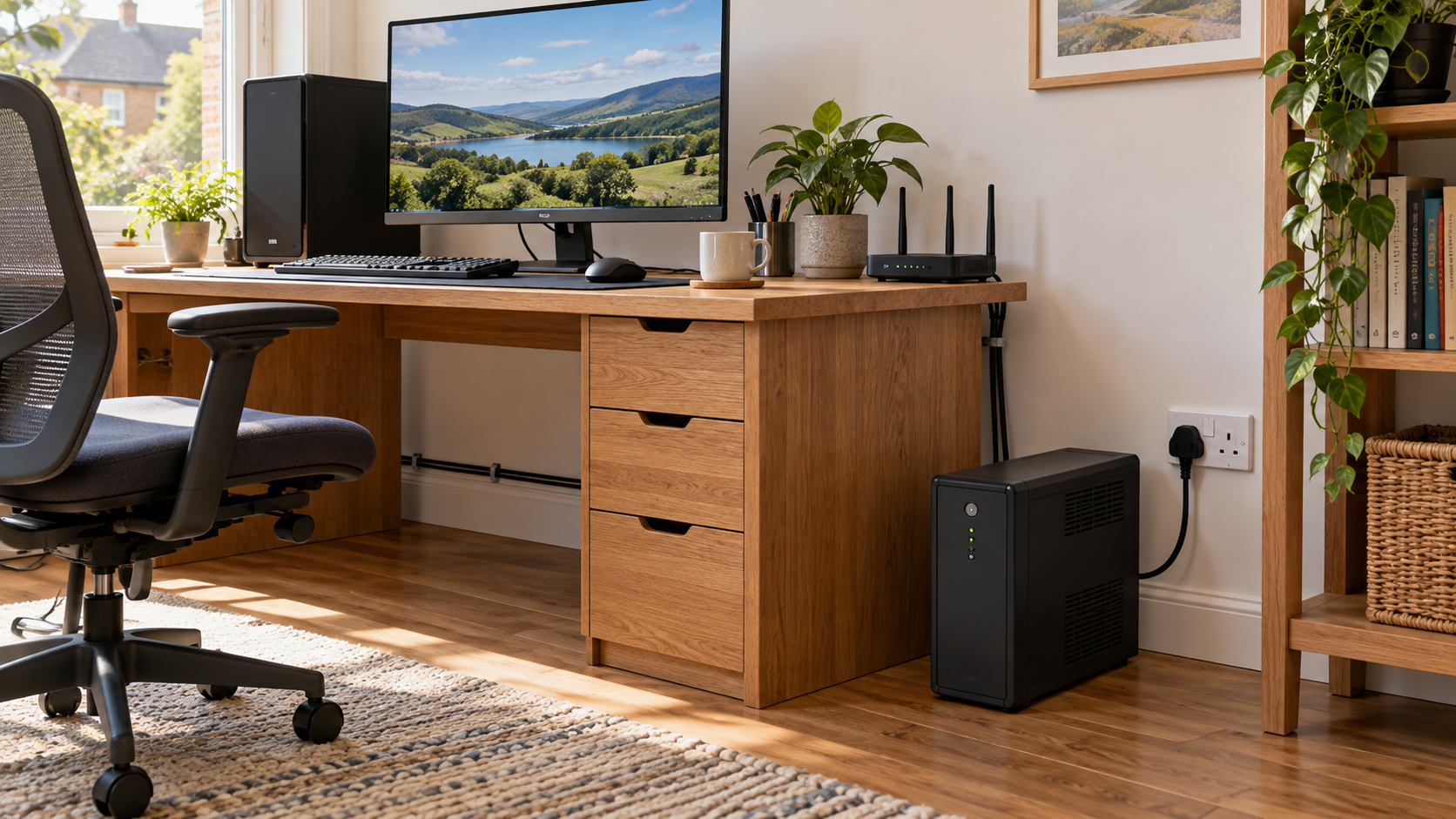
AI-generated illustration of a UK home office with a desktop computer, router and UPS battery backup unit.
A UPS can give your home office enough breathing space to save work and shut down safely when the electricity fails. The right choice depends on the devices you need to protect, their power demand and how long you need them to run.
Start with that job rather than the biggest VA number on the box. This guide explains how to compare UPS specifications for a UK home office without assuming that battery backup will keep everything working all day.
1. Decide what you need to keep running
An uninterruptible power supply (UPS) provides battery power to compatible connected equipment when mains electricity fails. A surge protector alone cannot do that.
Choose one main goal:
- Save and shut down: keep a desktop computer and essential monitor running long enough to close applications safely.
- Keep networking powered: support a router and any separate modem or fibre optical network terminal (ONT).
- Protect local storage: allow a compatible NAS or small server to shut down cleanly.
A laptop already has a battery, so your priority may be networking or storage rather than the laptop charger. Remember that powering your router does not guarantee broadband service: equipment outside your home may also lose power.
For a wider outage plan, read How to protect home electronics during a power cut.
2. List your equipment and its actual demand
Write down every device you plan to connect to battery-backed sockets. Include the screen you need for shutdown, networking equipment and any essential storage.
Where practical, use an appropriate plug-in energy meter to measure demand during normal work and your heaviest realistic workload. Manufacturer specifications can help if measurement is unavailable.
A computer power supply rated at 750W does not mean the computer constantly consumes 750W. Conversely, an idle reading may underestimate demand during rendering, gaming or other intensive work. Allow for load changes and startup requirements.
Illustrative example — not typical measured consumption:
- Desktop computer: 180W
- Essential monitor: 30W
- Router and ONT combined: 20W
- Total: 230W
These made-up figures show the calculation only. Replace them with your own equipment data before selecting a UPS.
3. Check both watts and VA
UPS specifications usually give two output limits: watts (W) and volt-amperes (VA). Your equipment must fit within both limits.
For the example above, choosing exactly 230W of output capacity would leave no allowance for increased demand. Applying an illustrative 25% watt allowance gives 287.5W, but that is only a first screening step: you must still check the VA limit, device compatibility and runtime at the actual load.
Two UPS units with the same VA label can have different watt limits and batteries. Do not assume “1000VA” means 1000W or tells you battery capacity in watt-hours.
APC's UK UPS buying guide explains capacity and sizing considerations. Use the manufacturer's selector or support team to confirm your shortlist.
4. Compare runtime at your load
Ask how long each shortlisted model runs at the power demand you expect. Use its published runtime chart or manufacturer selector rather than a headline maximum runtime.
For the 230W example, compare the manufacturers' estimates at approximately 230W. An advertised runtime measured with a much lighter load is not a useful comparison.
Set a shutdown target that suits your work. Five or ten minutes might be a planning goal for saving documents, while a longer process could need more. These are example targets, not promised runtimes.
Battery condition, temperature and connected load affect results. Keep a margin and do not plan to use every advertised minute before shutting down. Eaton provides model-specific runtime information.
5. Understand UPS types and waveform compatibility
A standby UPS generally supplies mains power normally and switches to its battery inverter during an interruption.
A line-interactive UPS can also correct some voltage variations using automatic voltage regulation (AVR), depending on the model.
An online double-conversion UPS supplies equipment through a conversion system during normal operation. It may suit specialist requirements, but compare noise, efficiency and cost carefully for a room where you work.
Also check the waveform supplied on battery. Products may specify pure sine wave or an approximated waveform. Ask the computer or UPS manufacturer to confirm compatibility, particularly for a desktop with an active-PFC power supply. Do not assume every modern computer requires the same UPS, or that the topology label alone establishes compatibility.
Eaton's UPS FAQs explain the main designs.
6. Check UK plugs, sockets and shutdown support
Choose the correct UK-market voltage and connection configuration. Check the exact model number: otherwise similar products may have different outlets.
Some units accept ordinary UK three-pin plugs; others use IEC connectors and need suitable equipment leads. Check what is supplied, how many sockets have battery backup, and whether bulky adapters fit.
A USB communications port can allow compatible shutdown software to detect an outage and close the computer automatically. It is different from a USB charging socket. Verify support for your operating system and, if relevant, your NAS. Configure and test shutdown using the manufacturer's documented procedure.
Eaton's home-office buying guide covers connection and feature considerations.
7. Budget for ownership, not just purchase
Compare the purchase price with replacement-battery cost, availability, warranty terms and disposal arrangements. Check whether battery replacement is a documented user task or requires servicing.
APC says many of its lead-acid UPS batteries last around three to five years, with conditions affecting their life. That is a maintenance planning range, not a guarantee for every chemistry or product. Read APC's battery-life guidance.
Consider fan noise, audible alarms, floor space and energy use. Ask for published efficiency or idle-consumption data if running costs matter to you.
8. Install it safely and maintain your backups
Follow the model's instructions for charging, placement and connections. Keep ventilation clear and the unit away from heat and moisture. Do not add surge strips or extensions unless the UPS manufacturer explicitly permits the arrangement.
A small IT UPS is not a general backup supply for kettles, heaters or laser printers. Only connect equipment within its intended application and ratings. APC's connection guidance explains why its UPS units should be connected directly to a wall socket.
Keep separate backups of important files. Battery backup cannot protect against every hardware failure, accidental deletion or security incident.
Your UPS buying checklist
Before ordering, confirm:
- The exact devices you need on battery power.
- Their expected and peak demand within the UPS's watt and VA limits.
- Runtime at your real load, with time to shut down safely.
- UK voltage, input plug, output sockets and included leads.
- On-battery waveform and equipment compatibility.
- Compatible automatic shutdown software where needed.
- Noise, ventilation, replacement batteries and total cost.
A well-matched UPS supports a clear shutdown or continuity plan. If you want hours of operation, ask the manufacturer about a system designed for that runtime rather than expecting a small desktop UPS to do more than its battery allows.
Sources checked 12 October 2026. This is a specification-led guide, not a hands-on product test or a ranking of individual models.
Relevant products to compare
Affiliate links: As an Amazon Associate I earn from qualifying purchases. Check the current listing, UK connections and suitability for your equipment before buying.
- Compare UPS battery backup units with UK sockets on Amazon — this is a search link, not a tested shortlist. Compare watts, VA, runtime at your load, waveform and shutdown support.
- View the Energenie ENER007 plug-in power meter on Amazon — an option to investigate for measuring plug-in equipment demand before choosing capacity. Check its rated load and instructions.
Your next step
Write down your essential devices, their power demand and your shutdown-time target. Then use How to protect home electronics during a power cut to build your before, during and after checklist.
Explore more practical guides and tools in the PowerGuardian Knowledge Centre.
Before selecting capacity, compare our Energenie plug-in power meter page and Tapo P110 energy-monitoring plug page. An energy monitor measures demand; it does not supply backup power. Explore product guides for other equipment.